
How to Set Up Parental Controls on Roblox to Protect Your Children
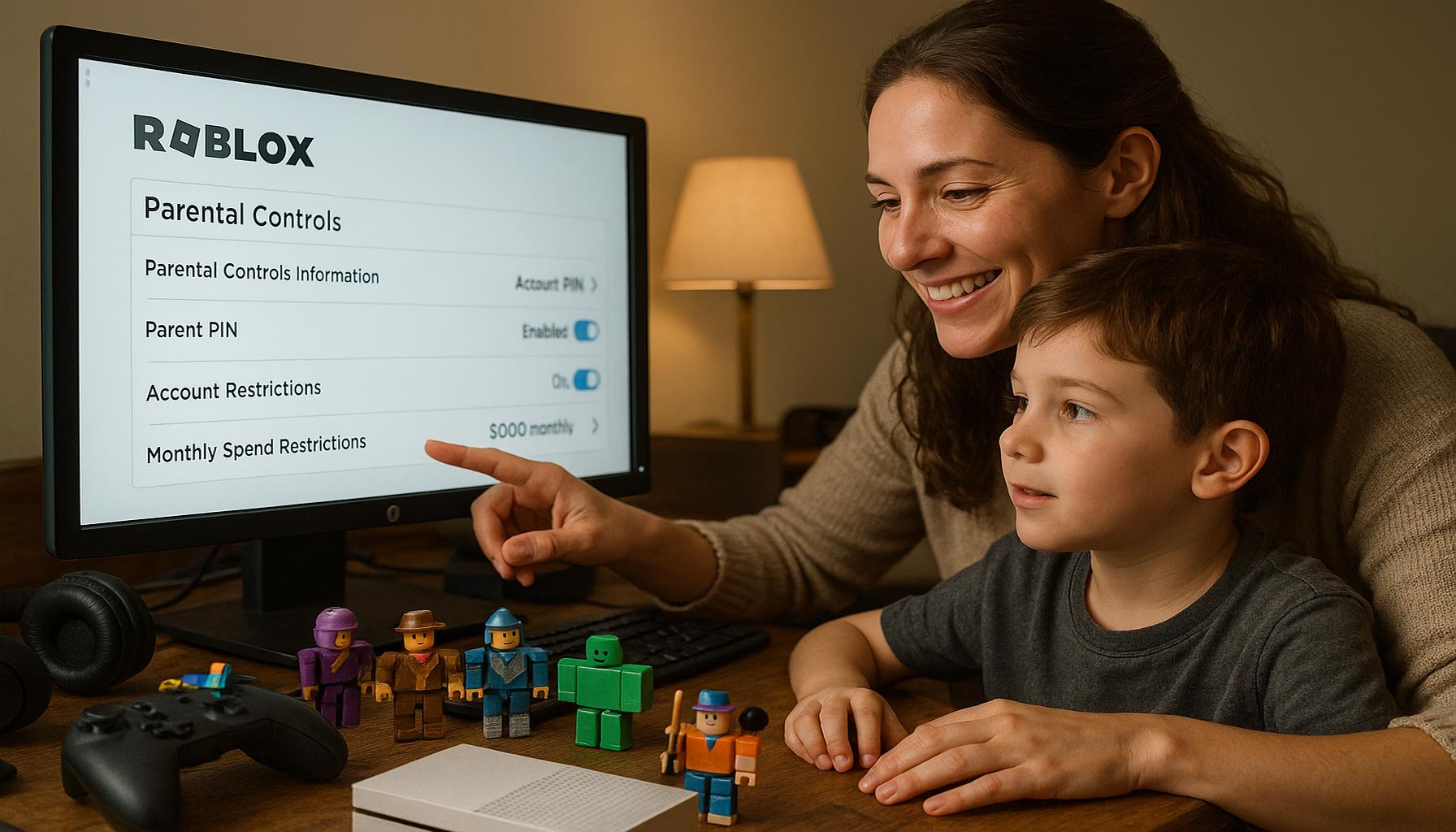
The Importance of Parental Controls in Roblox
As one of the fastest-growing online gaming platforms, Roblox offers a unique virtual environment where children can not only play games but also create and share their own experiences. With millions of users actively engaging with this platform, it is essential for parents to be aware of the potential risks that come with such widespread popularity. These risks can range from exposure to inappropriate content to encounters with cyberbullying or predators. Thus, implementing parental controls is paramount in creating a safe online environment for children.
Key Features of Roblox Parental Controls
Roblox provides several features designed to help parents control their child’s gaming experience. By understanding how to effectively utilize these controls, parents can significantly mitigate risks associated with online gaming.
- Account Restrictions: This feature allows parents to limit their child’s access to games based on age ratings. By setting the account to restrict access only to appropriately rated games, parents can ensure that their children are not exposed to content that might be deemed unsuitable for their maturity level. For example, Roblox uses a rating system similar to that of movies, ranging from “Everyone” to “Teen” and “Mature.”
- Chat Filters: The chat functionality allows players to communicate with each other, but it also opens the door for inappropriate messages and interactions. Roblox incorporates robust chat filters that automatically block many inappropriate terms and phrases. Parents can adjust the strictness of these filters, providing an additional layer of protection against undesirable communications.
- Friend Requests Management: This control feature enables parents to manage who can send friend requests to their child. Parents can set the account so that only friends approved by them can connect with their child, significantly reducing the risk of unsolicited contact from strangers.
Steps to Configure Parental Controls
Setting up these controls is a straightforward process that involves accessing the account settings. Parents can navigate to the account’s privacy settings, where they can activate various features such as account restrictions, manage chat options, and oversee friend requests. It is advisable for parents to regularly review these settings as children grow and as new games become available on the platform.
Conclusion: A Balanced Approach to Online Safety
The implementation of parental controls on Roblox is not just about restricting access; it is a comprehensive strategy to harmonize safety with enjoyment. By utilizing the controls available, parents can allow their children to explore the creativity and social interactivity that Roblox offers while maintaining oversight to ensure a secure online experience. With diligence and proactive measures, parents can foster a gaming atmosphere that is both enriching and safe, enabling their children to thrive in the virtual world.
CHECK OUT: Click here to explore more
Understanding the Setup Process for Parental Controls
Establishing parental controls on Roblox is a crucial step in maintaining a safe online experience for children. The platform’s user-friendly interface makes it accessible for parents with varying levels of technical expertise. This section will guide you through the setup process, ensuring you can easily configure the necessary settings to create a secure environment for your child.
Creating a Roblox Account
Before diving into parental controls, it is vital to ensure that your child has a dedicated Roblox account. If you have not yet created an account, follow these steps:
- Visit the Roblox website: Navigate to www.roblox.com and click on the “Sign Up” button.
- Fill in the required information: Provide your child’s date of birth, username, password, and gender. Make sure to select a username that is appropriate for the gaming environment.
- Verification: Follow any instructions provided for email verification, which is crucial for account security.
Accessing Parental Control Settings
Once your child’s account has been created, you can access the parental control settings through the following steps:
- Log in: Use the credentials of your child’s account to log in to Roblox.
- Navigate to Settings: Once logged in, click on the gear icon located in the upper-right corner of the screen. From the dropdown menu, select “Settings.”
- Access the Privacy Tab: Within the settings menu, go to the “Privacy” tab, where you can manage various options for your child’s account.
Configuring Privacy Settings
In the Privacy section, a number of options are available to help shape your child’s experience. Parents should specifically focus on the following settings:
- Account Restrictions: Toggle this feature to restrict access to age-appropriate games based on the Roblox rating system. This ensures that your child is not exposed to content that could be deemed inappropriate or harmful.
- Chat Settings: Review and adjust the chat settings to provide a safer interactive experience. This includes enabling chat filters to block inappropriate language and managing who can communicate with your child.
- Friend Request Options: Set permissions to control who can send friend requests to your child. It is advisable to allow only friends approved by you to help reduce the risk of interactions with unknown individuals.
By following these steps, parents can effectively establish a foundation for maintaining a secure gaming experience on Roblox. Regularly reviewing and updating these settings is crucial as children grow and become more active in the gaming world, ensuring their safety remains a top priority.
SEE ALSO: Click here to read another article
Enhancing Protection with Additional Features
Implementing basic parental controls is just the starting point for providing a secure gaming environment on Roblox. Beyond adjusting privacy settings, there are additional features and tools parents can utilize to enhance protection for their children. Familiarizing yourself with these options allows for a comprehensive approach to online safety.
Using Account PINs
One effective method to safeguard your child’s account is by using a PIN (Personal Identification Number). This feature restricts children from accessing certain account settings, including changing privacy and security settings, which can prevent unauthorized modifications. To establish an account PIN:
- Stay in the Settings Menu: While still in the Settings menu, navigate to the “Security” tab.
- Create a PIN: Select the option to set a PIN. Choose a memorable but unique number that your child cannot easily guess.
- Maintain Confidentiality: Ensure that your child does not know the PIN to reinforce security.
Limiting In-Game Purchases
Another critical aspect of parental oversight involves controlling in-game purchases, as Roblox operates on a virtual currency model (Robux). To prevent accidental or unauthorized spending, consider the following:
- Payment Settings: In the Settings menu, review the payment settings for your child’s account. Change payment methods and ensure that you do not link credit cards or payment options that your child might access.
- Disable Robux Purchasing: If necessary, disable the ability for your child to purchase Robux. This can be done by monitoring their account settings and only allowing purchases after discussing and obtaining your approval.
Monitoring Gameplay and Time Limits
Active parental involvement is essential in maintaining awareness of your child’s gaming habits. Utilize the following strategies to monitor gameplay and set time limits:
- Review Activity Logs: Regularly check your child’s activity logs to understand which games they play, their interactions, and who they are communicating with. This transparency is vital for engaging in meaningful conversations about their experiences online.
- Establish Time Limits: Consider setting up a daily or weekly time limit for gameplay to promote a healthy balance between gaming and other activities. Discuss these limits with your child, ensuring they understand the motives behind them.
Staying Informed about Game Content
Roblox features a vast array of user-generated games that can vary significantly in content. As a parent, it is paramount to remain informed about scenarios your child may encounter. Here are some steps to consider:
- Familiarize Yourself with Popular Titles: Engage with your child and play some of the popular games together. This gives you insight into the gameplay, themes, and potential risks associated with certain games.
- Research Community Feedback: Use online resources and community forums to read reviews and discussions about specific games. This helps gauge their suitability based on age and content.
By implementing these additional features and strategies, parents can establish robust safety measures tailored to their child’s unique needs. Keeping an open line of communication with your child about their gaming experiences is equally crucial to encourage safe practices and foster a trusting relationship.
CHECK OUT: Click here to explore more
Conclusion
In today’s digital age, ensuring the safety and well-being of children while they engage with online platforms like Roblox is a critical responsibility for parents. By understanding and implementing the various parental control features available, parents can establish a protective framework that not only safeguards against inappropriate content but also monitors gaming behaviors effectively. The combination of robust privacy settings, the use of account PINs, and the limitation of in-game purchases serve as essential tools in creating a secure gaming environment.
Furthermore, taking an active role in your child’s gaming experience—such as reviewing activity logs and engaging with them in their gameplay—can foster communication and trust. By discussing time limits and gaming content, parents can promote a balanced approach to online gaming, ensuring that children remain aware of both the potential risks and responsible gaming practices.
Ultimately, staying informed about emerging trends, popular games, and community feedback on Roblox can significantly enhance a parent’s ability to make informed decisions regarding their child’s gaming interactions. As the online world continues to evolve, so too must parental strategies for keeping children safe. By remaining vigilant and proactive, parents can provide their children with a fun and secure gaming experience that encourages creativity and social interaction while protecting them from possible dangers.