How to Set Up Effective Parental Controls on Roblox to Protect Your Children
Understanding the Importance of Parental Controls
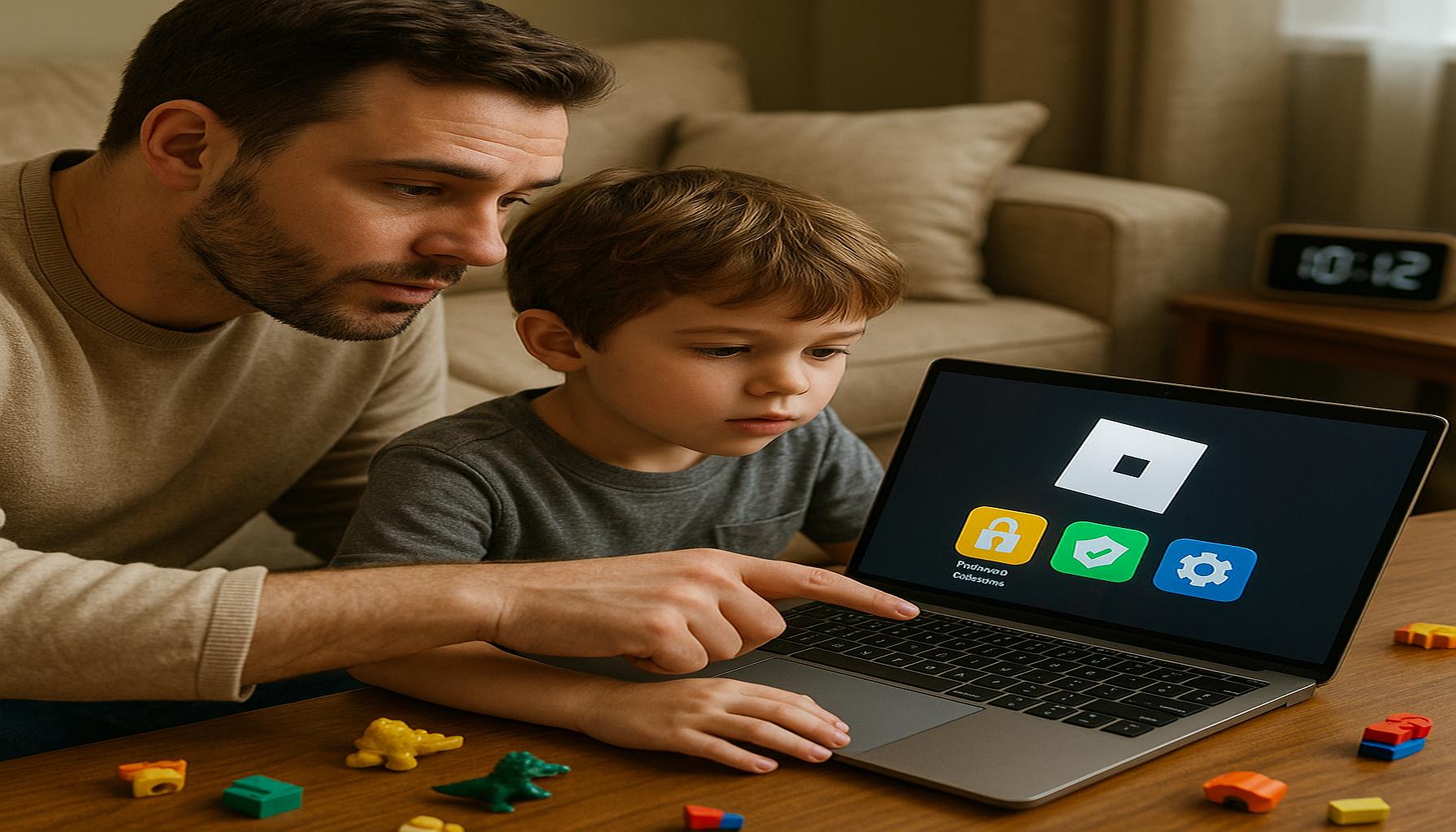
As children and teenagers increasingly engage with online platforms such as Roblox, the importance of creating a safe digital environment cannot be overstated. Roblox not only provides entertainment but also serves as a social platform where users can interact with peers from around the globe. While these experiences can foster creativity and collaboration, they may expose young users to inappropriate content or risky interactions. Therefore, understanding how to utilize parental controls effectively is paramount for caregivers aiming to protect their children online.
Key Features of Parental Controls on Roblox
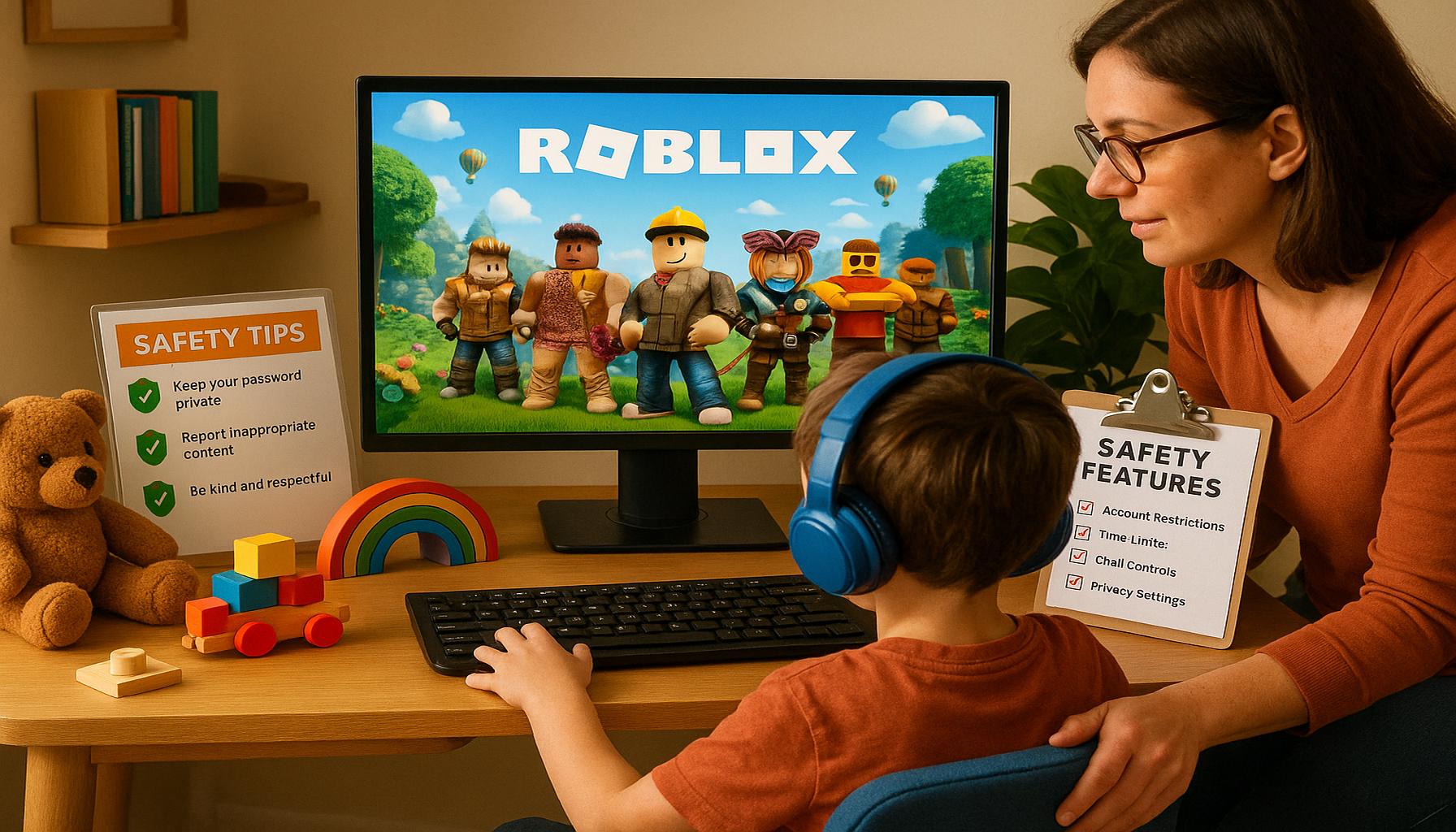
To create a secure and age-appropriate gaming atmosphere, parents should familiarize themselves with several key features offered by Roblox. These features facilitate tailored experiences, enabling guardians to monitor and manage their child’s online interactions and gameplay.
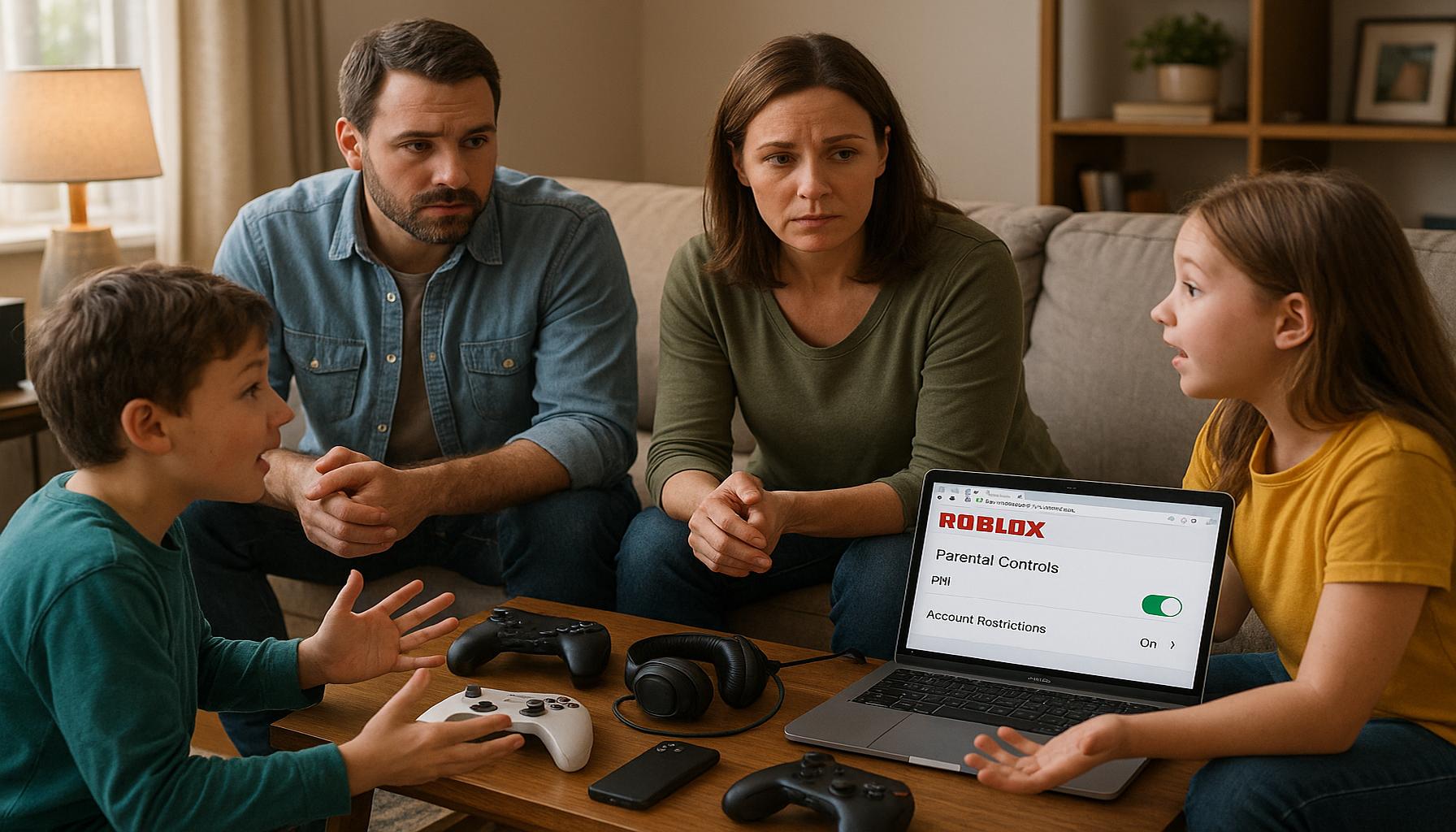
- Account Restrictions: This feature allows parents to adjust privacy settings, limiting or entirely disabling certain functionalities such as chatting with strangers. By configuring these restrictions, adults can prevent unsolicited communications that may come from unknown users, thereby reducing the likelihood of exposure to predatory behaviors or cyberbullying.
- Age Appropriateness: Roblox categorizes games and experiences based on the age of the player. Parents can set restrictions to ensure that their child only accesses content suitable for their age group. This will help not just in safeguarding against inappropriate themes, but also in providing age-appropriate challenges that are commensurate with their developmental stage.
- Spending Limits: As in-game purchases can accumulate rapidly, it becomes vital to set a spending limit. By controlling the allowance for in-game purchases, parents can prevent their children from spending excessive amounts of money. This not only protects family finances but also serves as an opportunity to teach children about budgeting and making informed financial decisions.
Implementing Parental Controls
To implement these features, parents should first create a Roblox account if they do not already have one. After logging in, navigate to the account settings and locate the privacy and security sections. Here, guardians can customize settings according to their preferences and the specific needs of their child. For instance, a parent may choose to set the account to “Friends Only” for chat features, ensuring that communication is limited to known contacts.
Moreover, educating children about online safety complements the technical measures taken through parental controls. Discussions about the importance of being cautious with personal information and recognizing suspicious behavior can empower children to make safer choices online.
By investing time in understanding and configuring Roblox’s parental controls, parents not only foster a safeguarded gaming experience but also lay the groundwork for responsible digital citizenship as their children navigate the expansive and occasionally perilous online landscape.
CHECK OUT: Click here to explore more
Implementing Parental Controls: A Step-by-Step Guide
Setting up effective parental controls on Roblox involves a methodical approach to ensure that one’s children are protected from potential online threats. To begin, parents should create or access their existing Roblox account and familiarize themselves with the settings available. The process may seem daunting at first, but by following a few straightforward steps, guardians will be well on their way to safeguarding their children’s online experience.
1. Creating or Logging into a Roblox Account
The first step for parents is to create a Roblox account if they do not already possess one. This can be done by visiting the Roblox website and following the prompts for account creation. Once the account is established, parents should log in to access the various features available in the account settings.
2. Navigating to Account Settings
After logging in, parents need to navigate to the settings menu. They can find this by clicking on the gear icon typically located in the upper-right corner of the screen. From there, parents are directed to a series of options pertaining to account customization, privacy, and security measures.
3. Configuring Privacy Settings
One of the most critical features in the settings menu is the privacy options. Here, parents can set their child’s account to restrict functionalities such as chatting. The settings include:
- Account Restrictions: Select “Friends Only” for chat capabilities to limit communication to known contacts, reducing the risk of unsolicited messages.
- Game Access: Set content restrictions based on age or maturity level. This will help ensure that acquired games and experiences are suitable for one’s child.
- Interaction Limits: Disable features that allow strangers to approach or communicate with children, enhancing their online safety.
4. Monitoring and Adjusting Settings Regularly
Once the initial configuration is complete, it is imperative for parents to monitor their child’s interactions within Roblox regularly. Online environments are continually evolving, and threats can manifest in various forms. Consequently, parents should feel empowered to adjust restrictions and permissions as necessary depending on any changes in their child’s behavior, maturity, or emerging online trends.
Additionally, parents should encourage a culture of communication where children feel comfortable discussing their experiences on the platform. Regular conversations about what their child encounters while playing can help address any potential issues. Parents can ask open-ended questions to gauge the nature of their interactions, offering guidance as needed.
By proactively engaging in the monitoring process and regularly reassessing privacy settings, parents can create a dynamic strategy for maintaining a safe online environment. This multi-faceted approach strengthens the protective measures available and reinforces the principles of responsible online behavior in children.
SEE ALSO: Click here to read another article
Advanced Settings for Customization and Control
In addition to the foundational steps of setting privacy restrictions, parents can enhance their control over their children’s Roblox experience through advanced settings. Understanding these features allows guardians to tailor the online environment further to meet their child’s specific needs and safety concerns.
1. Enabling Account PINs
A highly recommended feature within Roblox is the ability for parents to set up an Account PIN. This security measure requires a unique Personal Identification Number to access and change account settings. To activate this feature, navigate to the security settings within the account settings menu. Choosing a strong, memorable PIN will prevent unauthorized changes by your child or others who might have access to the account, allowing parents greater peace of mind that settings will remain intact.
2. Utilizing Restricted Mode
Roblox offers a Restricted Mode which is particularly useful for younger players. By enabling this mode, parents can limit the games and interactive elements accessible to their children. This comes with the added benefits of restricting communication and game recommendations based on age-appropriate content. To activate Restricted Mode, parents should access the privacy settings and select this feature. Once enabled, the options for multiplayer interactions will be automatically curtailed, providing a safer play environment.
3. Reviewing Account Activity
Another pragmatic approach to ensuring safety is to regularly review the Account Activity logs. This feature allows parents to monitor their child’s gaming habits, including the games played, time spent, and the interactions their child has had with other players. By reviewing this information regularly, parents can identify patterns that may warrant further discussion or action. This transparency in activity helps parents stay informed about their child’s online engagements.
4. Managing Friend Requests
Controlling who can send friend requests is another critical aspect of Roblox’s parental controls. Within the privacy settings, parents can set the account so that only friends can contact their child or disable friend requests altogether. This means that children cannot make new online friends outside of a pre-established circle, effectively minimizing exposure to strangers and potential risks. By limiting friend permissions, parents can ensure that all of their child’s interactions are more controlled and familiar.
5. Educating and Empowering Children
In addition to using the various parental controls at their disposal, parents should focus on educating their children about online safety. Discussions about cyberbullying, privacy awareness, and what to do when encountering inappropriate content are essential. By fostering a sense of awareness, children can better navigate their online interactions and report any concerning situations. Those discussions can be enhanced by sharing real-world examples of the importance of maintaining online safety and privacy.
Integrating these additional layers of control not only fortifies the security measures in place but also promotes a proactive approach to online interactions. This balanced method ensures that parents can provide a safe environment while also encouraging their children to be responsible digital citizens.
CHECK OUT: Click here to explore more
Conclusion
In conclusion, setting up effective parental controls on Roblox is essential for fostering a safe and enriching gaming experience for children. By implementing foundational privacy settings, such as enabling Account PINs and utilizing Restricted Mode, parents can exert significant oversight over their child’s interactions in the virtual world. Regularly reviewing Account Activity and managing friend requests empowers guardians to monitor and guide their children’s online experiences, ensuring their exposure to appropriate content and interactions.
Moreover, educating children about online safety is a critical aspect of these preventative measures. Engaging in open discussions about the potential risks of cyberbullying, maintaining privacy, and recognizing inappropriate content will equip children with the skills necessary to navigate the digital landscape confidently. By combining the use of advanced settings with education, parents not only protect their children but also foster a sense of responsibility in their online conduct.
As the digital world continues to evolve, remaining vigilant and proactive in implementing and refining these controls will further enhance safety. Ultimately, a collaborative approach, where both parents and children are informed participants, allows for a healthier gaming environment that benefits all users within the Roblox community. With the right tools and knowledge, parents can ensure that their children enjoy Roblox responsibly and safely.

Linda Carter
Linda Carter is a writer and Roblox content specialist with a strong focus on gaming experiences, strategies, rewards, and everything the platform has to offer. With extensive experience helping players better understand Roblox and make the most of its features, Linda shares her knowledge on our platform. Her goal is to provide readers with practical tips and useful strategies to improve gameplay, discover new opportunities, and fully enjoy the Roblox universe.