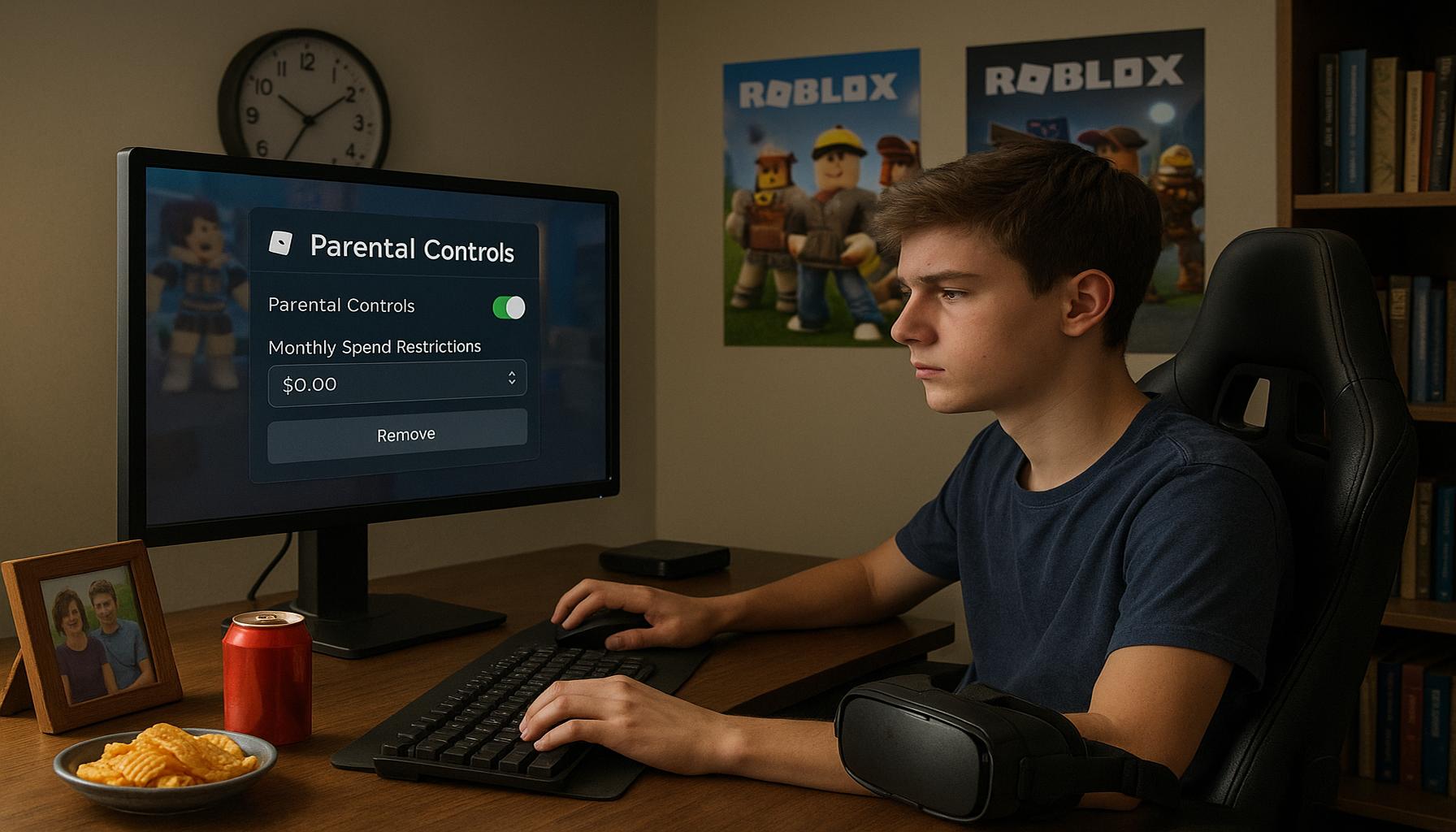
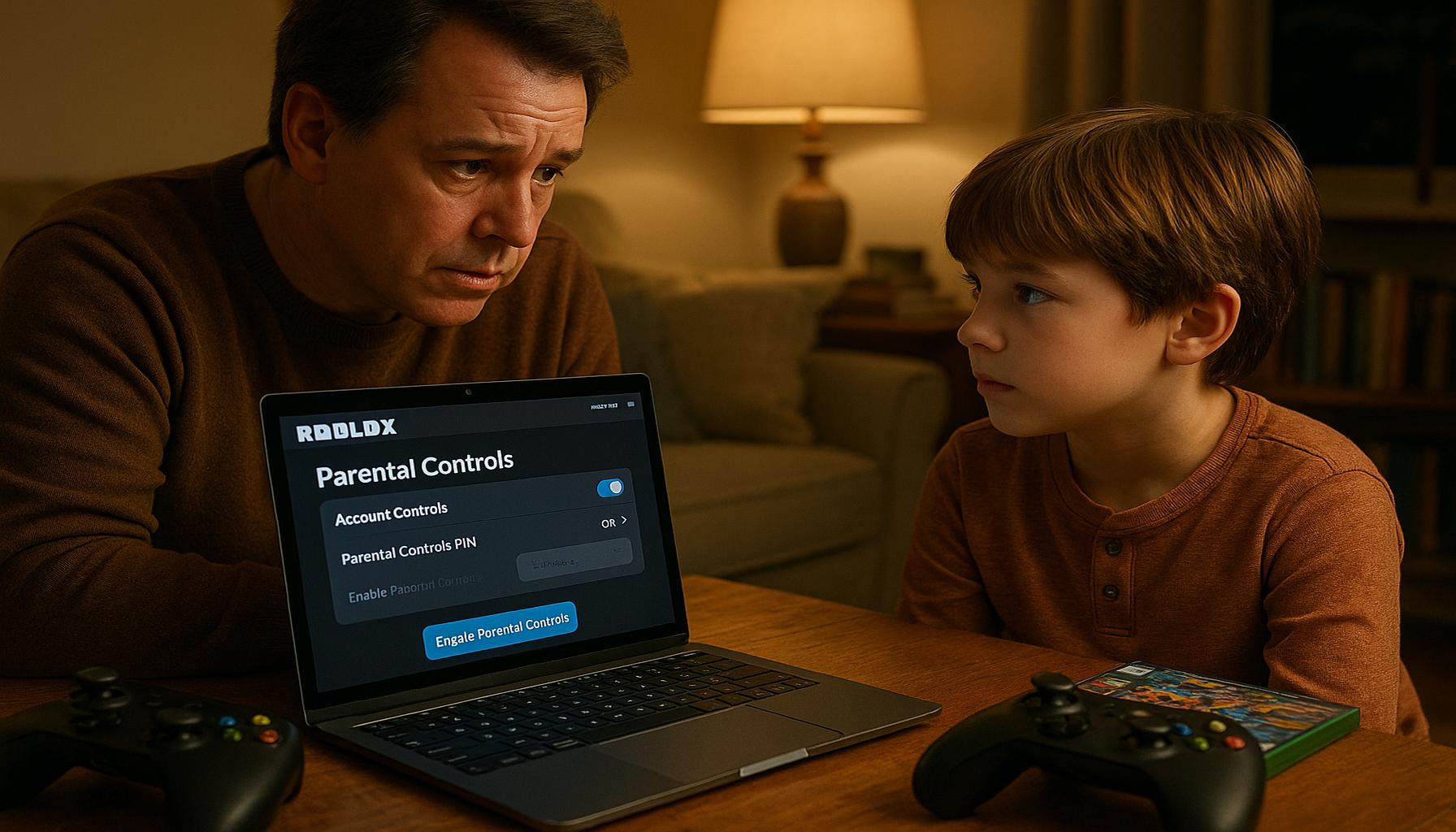
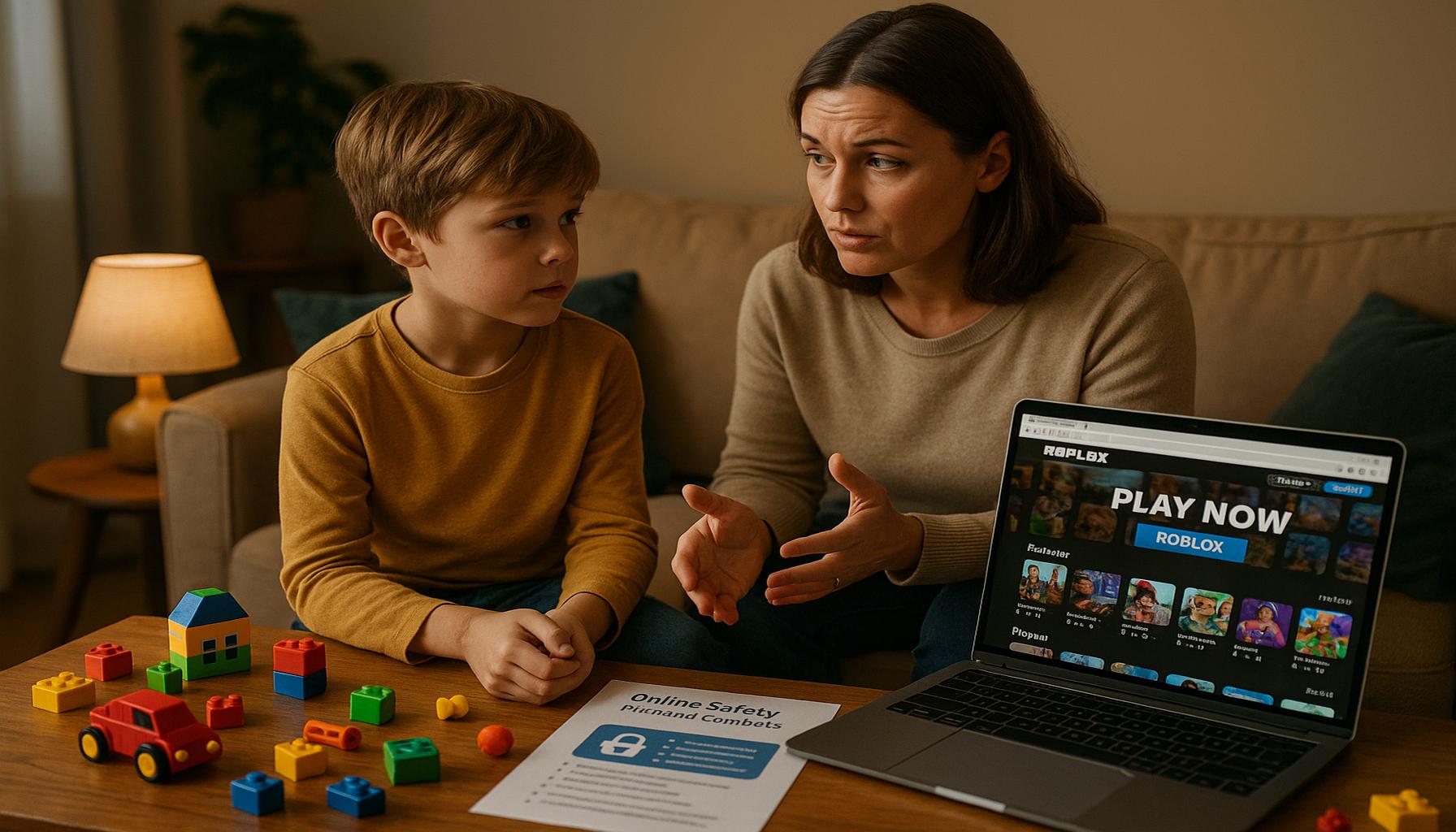
How to Set Up Parental Controls on Roblox: A Step-by-Step Guide
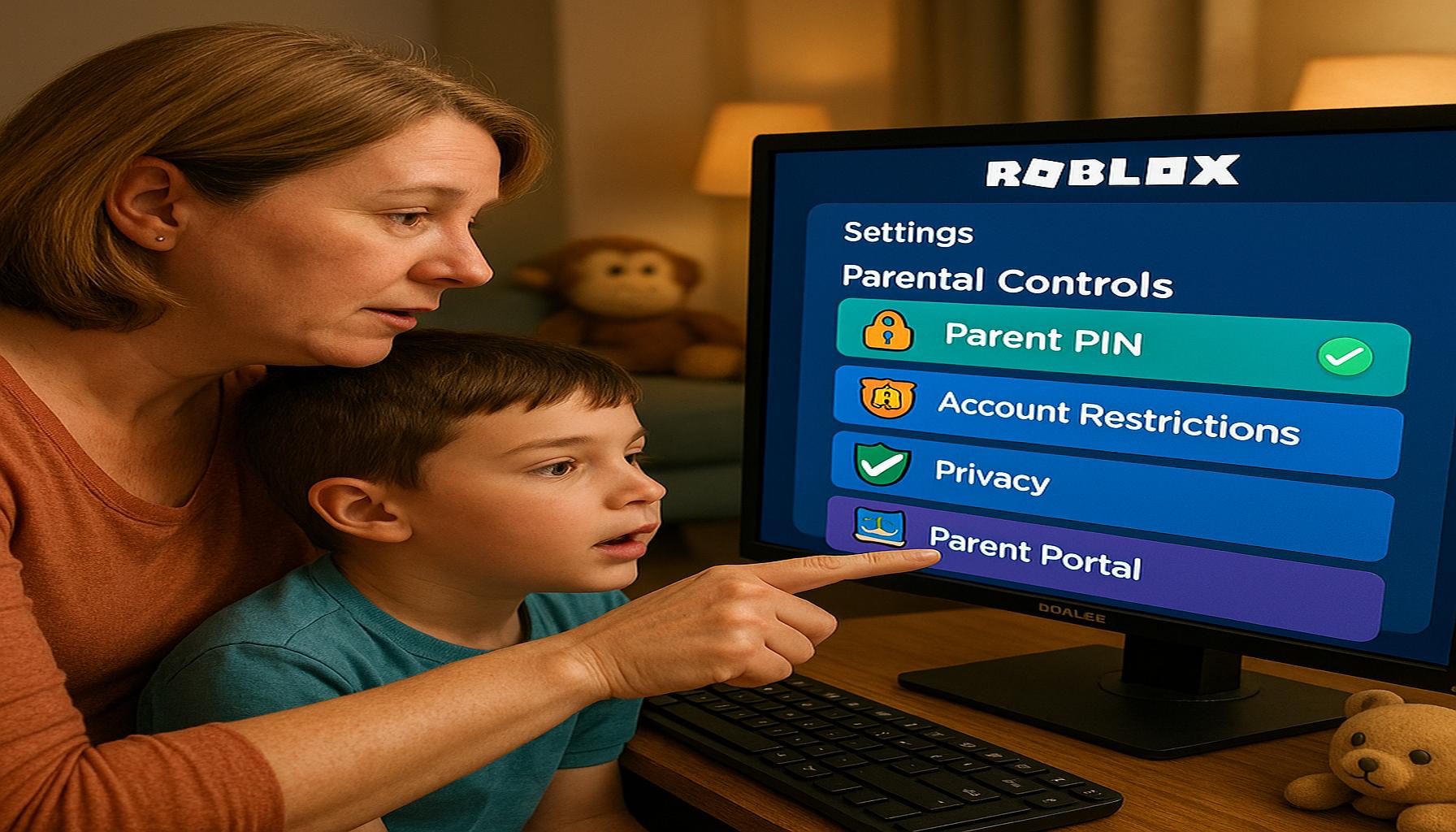
The Growing Need for Safety in Online Gaming
Online gaming has emerged as an integral part of childhood entertainment, with platforms like Roblox capturing the attention of millions of children and teenagers across the United States. This platform is distinguished by its rich repository of user-generated games, allowing players to immerse themselves in a variety of gaming experiences. While Roblox fosters creativity and provides opportunities for social interaction, it raises significant concerns about the safety of young players, particularly regarding inappropriate content and interactions with strangers.
The Importance of Parental Involvement
As more children engage in online gaming, it is critical for parents to take an active role in monitoring and guiding their children’s gaming experiences. This can help mitigate risks associated with online platforms, which can expose unsuspecting younger players to harmful content or interactions with individuals who may not have their best interests at heart.
Utilizing Parental Controls Effectively
To help create a secure gaming environment, utilizing parental controls within Roblox is imperative. These built-in features not only aid in enhancing safety but also provide parents with empowered management over their child’s gaming experience.
- Account Restrictions: Parents can customize the list of individuals who can communicate with their child. This can significantly reduce the risk of online bullying or inappropriate conversations, ensuring that only friends or approved contacts can interact with the child.
- Content Filtering: Roblox offers mechanisms to filter games based on age-appropriateness. Parents can set preferences to ensure that their children are only exposed to content suitable for their maturity level, reducing the likelihood of encountering violent or inappropriate themes.
- Play Time Management: Managing the amount of time children spend gaming is essential for balancing gaming with other crucial activities. Roblox allows parents to set limits on playtime, helping to promote healthy gaming habits and prevent excessive screen time.
Steps to Set Up Parental Controls
Setting up these parental control features is a straightforward process that can vastly improve your child’s safety while gaming. Below is a step-by-step approach to configuring these essential settings:
- Access your child’s account settings by logging in to their Roblox account.
- Navigate to the ‘Privacy’ settings to manage account restrictions and control who can contact your child.
- Go into the ‘Security’ section to enable account verification measures and ensure only approved individuals can interact with them.
- Visit the ‘Account Info’ section to adjust content filtering settings, ensuring the games your child can access are age-appropriate.
- Finally, establish playtime limits by going to the ‘Settings’ area to promote a balanced lifestyle for your child.
By taking these steps, parents can significantly enhance the safety of their children while using Roblox. This proactive approach promotes a secure and enjoyable gaming experience, allowing children to engage in the creative and social aspects of gaming with peace of mind.
CHECK OUT: Click here to explore more
Understanding Roblox Parental Controls
Roblox offers a well-designed suite of parental controls aimed at equipping parents with tools to manage their child’s gaming experience effectively. This is crucial, considering the expansive world of online gaming where young users interact with peers and unknown players alike. Familiarizing oneself with these features not only promotes a safer gaming environment but also helps in mitigating potential risks associated with online interactions.
Key Features of Roblox Parental Controls
Roblox’s parental control settings are comprehensive, providing a variety of customization options tailored to different family needs. Understanding these features is essential for any responsible parent looking to safeguard their child’s online experiences. Below are some of the primary capabilities designed for this purpose:
- Account Restrictions: This feature allows parents to dictate who can communicate with their child within the Roblox platform. By enabling this setting, children can only interact with an approved list of friends or contacts. For example, parents can curate this list by adding only friends known to the family, significantly minimizing the risks associated with unsolicited messages or harmful conversations.
- Content Filtering: To promote a responsible gaming environment, Roblox incorporates content filtering options that empower parents to restrict access to games deemed inappropriate for their child’s age group. By default, many games may contain themes that could be unsettling for younger audiences, such as violence or adult humor. Filters ensure that children engage primarily with age-appropriate content, fostering a healthier gaming experience.
- Chat Settings: This capability enables parents to disable chat functionality entirely or customize it so that children can only message friends. This is particularly important for shielding young gamers from exposure to inappropriate language and potential instances of cyberbullying that are prevalent in online gaming communities. For instance, customizing chat settings can provide a buffer against negative interactions.
- Two-Step Verification: To bolster account security, Roblox provides a two-step verification feature. When enabled, this requires users to enter a verification code in addition to their password upon login. This extra layer of security helps protect children’s accounts from unauthorized access, an essential consideration given the prevalence of cyber threats.
- Play Time Management: Maintaining a healthy balance between gaming and other daily activities is vital. Roblox allows parents to set specific daily playtime limits, enabling families to establish a structured routine that incorporates both gaming and other responsibilities such as homework and physical activities. This feature encourages moderation, promoting overall well-being.
Acquainting oneself with these features forms the cornerstone of fostering a secure gaming environment. Each tool plays a pivotal role in creating a structured experience on the Roblox platform, allowing children to explore their creativity and engage with others in a relatively safe manner.
Evaluating Your Child’s Needs
Before configuring parental controls, parents are advised to evaluate their child’s maturity level and online behavior. Understanding your child’s cognitive development and emotional maturity is critical in determining the appropriate settings. For example, a child who displays responsibility and understands online risks may require less stringent settings compared to younger children who are just beginning their online interactions.
Moreover, observing your child’s gaming preferences, how they interact with peers, and the type of games they tend to favor will guide adjustments to parental controls. Each child’s needs and behaviors differ, which makes tailored customization essential in fostering a safe and engaging gaming experience on Roblox.
SEE ALSO: Click here to read another article
Setting Up Parental Controls in Roblox
Having a clear understanding of the parental control features available in Roblox is only the first step. Implementing these controls is essential to ensuring your child’s online safety. This section will guide you through the practical steps required to set up these vital features effectively, ensuring that you tailor them to meet your family’s unique needs.
Step-by-Step Guide to Configuring Parental Controls
Begin by accessing your child’s Roblox account. Here is a comprehensive step-by-step process for setting up various parental control options:
- Log into the Account: Start by logging into the Roblox account for your child. If your child does not have an account yet, you will need to create one, ensuring that you use an email address that you regularly access.
- Access Settings: Once logged in, navigate to the gear icon located in the upper-right corner of the screen to access the account settings menu.
- Open the Privacy Tab: Within the settings menu, select the ‘Privacy’ tab. Here, you will find various options to manage who can interact with your child and how they can do so. Adjust these settings according to your comfort level by customizing options such as ‘Who can chat with me’ and ‘Who can follow me’.
- Set Account Restrictions: Enable account restrictions by selecting the appropriate option that limits who can communicate with your child. Additionally, you can configure their friends list by allowing only known contacts to engage with them, thus limiting exposure to unknown online players.
- Implement Content Filtering: Go to the ‘Security’ section of the settings menu. Here, you can activate content filtering that restricts your child from accessing games not suitable for their age. You can choose options such as ‘Keep me safe’ to enable the default content restrictions, or customize it further based on your assessment of what content is appropriate.
- Adjust Chat Settings: Within both the ‘Privacy’ and ‘Security’ tabs, you can refine the chat settings. Choose to disable chat entirely or limit it to friends only. Explore the option of filtering chat messages, ensuring that any inappropriate language is blocked, creating a safer social environment.
- Enable Two-Step Verification: To access the two-step verification setting, navigate to the account settings. By activating this feature, you’ll significantly heighten account security. Choose to provide a phone number that can receive verification codes, an essential step given increasing cybersecurity threats.
- Set Play Time Limits: Establishing playtime schedules is crucial for managing gaming habits. In your child’s settings, locate the playtime management features, where you can input specific daily limits. Consider reinforcing these limits with family discussions to encourage adherence to the schedule.
Regularly reviewing and updating these settings is paramount as your child grows and their gaming habits evolve. By staying proactive, you can ensure that the controls remain effective and continue to support a safe online gaming experience.
Engaging in Conversations About Online Safety
Alongside configuring parental controls, engaging in meaningful conversations about online safety with your child is equally important. Discussing the potential risks associated with online gaming can help children understand the reasoning behind these restrictions. Encourage open communication, where they can express their concerns or experiences in the gaming environment, fostering awareness and vigilance.
Furthermore, periodically reassess your child’s gaming habits and privacy needs. As Roblox updates its platform or as your child’s social circle expands, adjustments to the parental controls may be necessary to reflect those changes. This ongoing engagement not only promotes safety but also teaches children the importance of responsible online behavior.
SEE ALSO: Click here to read another article
Conclusion
In today’s digital landscape, equipping your child with the necessary tools for safe online interactions is more crucial than ever. By following the outlined steps to set up parental controls on Roblox, you not only enhance their security but also foster a healthy gaming environment. The features available—such as adjusting privacy settings, implementing content filters, and managing communication options—empower parents to tailor the experience according to their family’s values and comfort levels.
Moreover, the discussion surrounding online safety should not stop at just implementing these controls. Engaging with your child about their experiences and the potential risks they may face online is fundamental in cultivating informed users of technology. Regularly revisiting these settings will ensure they remain relevant as your child’s interests evolve and as the Roblox platform continues to develop.
In conclusion, remaining proactive in managing your child’s online interactions is key to achieving a balanced and enjoyable experience on Roblox. By combining effective parental controls with open communication, you equip your child with the tools to navigate the virtual world safely. This vigilance not only secures their current gaming habits but also instills a sense of responsibility and awareness as they grow into more independent users of technology.

Linda Carter
Linda Carter is a writer and Roblox content specialist with a strong focus on gaming experiences, strategies, rewards, and everything the platform has to offer. With extensive experience helping players better understand Roblox and make the most of its features, Linda shares her knowledge on our platform. Her goal is to provide readers with practical tips and useful strategies to improve gameplay, discover new opportunities, and fully enjoy the Roblox universe.